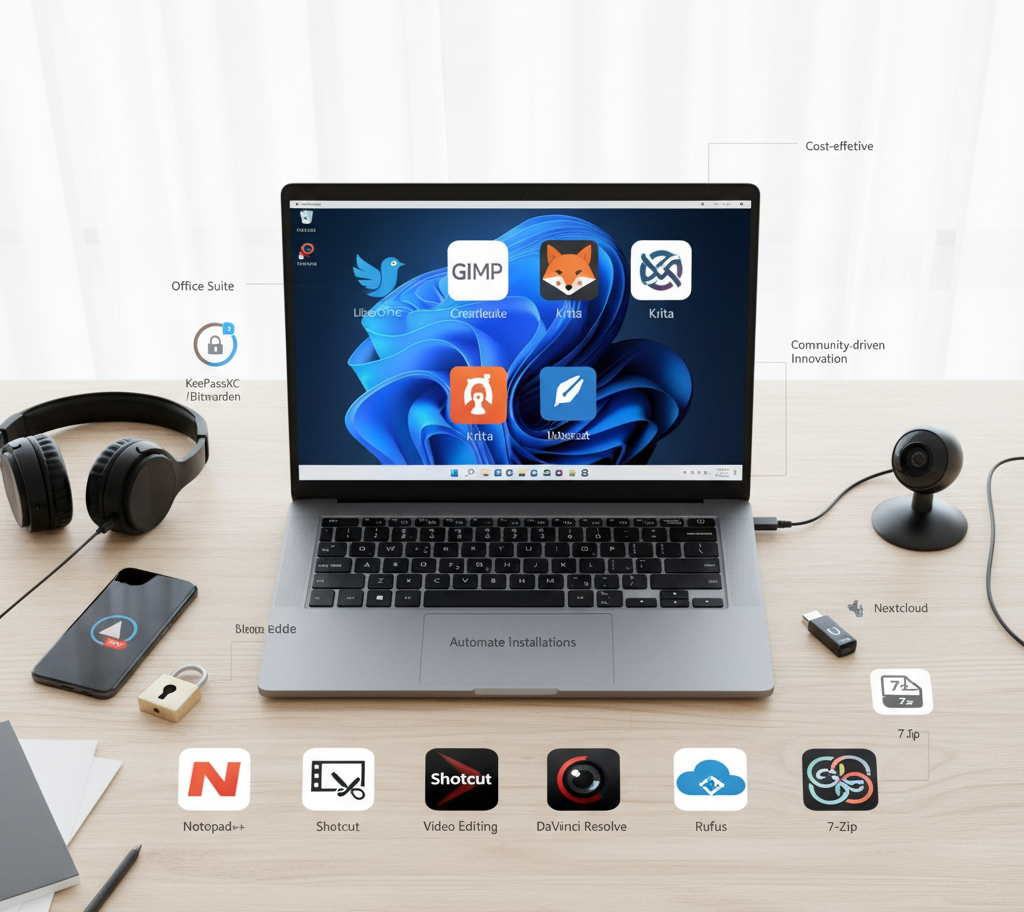
When we’re building campaigns, designing visuals, or managing content, the right tools can make all the difference. Here’s a curated list of open-source software that every digital marketing agency should consider installing on their Windows machines. These tools are free, powerful, and trusted in professional settings.
- LibreOffice – The Complete Office Alternative
Forget subscription fees—LibreOffice offers a full suite (Writer, Calc, Impress, and more) that handles everything from proposals to presentations. It’s compatible with Microsoft Office formats and supports 110 languages, making collaboration seamless.(techradar.com)
- GIMP, Krita & Inkscape – Creative Suite Without the Price Tag
- GIMP: A robust photo editor with layers, plug-ins, and advanced editing capabilities—ideal for quick design tasks or image adjustments.(bulkwp.com)
- Krita 6.0: Optimized for digital painting and illustration, now with GPU-accelerated brushes and animation features.(alibaba.com)
- Inkscape 1.4: A vector graphics tool with full SVG 2.0 compliance and responsive design support—perfect for logos, infographics, and web visuals.(alibaba.com)
- Shotcut & DaVinci Resolve – Video Editing for Every Level
- Shotcut: A user-friendly editor with support for a wide range of formats and GPU-accelerated filters—great for quick edits.(digitalab.org)
- DaVinci Resolve: A professional-grade editor offering advanced color grading, audio editing, and VFX—an exceptional choice for polished video content.(digitalab.org)
- VLC Media Player – The Universal Playback Tool
Need to preview media across a variety of formats? VLC plays virtually anything—videos, audio, streams, DVDs—without extra codecs.(digitalab.org)
- 7-Zip – Fast and Secure File Compression
Whether sending large media files or managing archives, 7-Zip delivers high compression, AES-256 encryption, and seamless Windows integration.(bulkwp.com)
- OBS Studio – Screen Recording & Live Streaming Powerhouse
From recording tutorials to hosting webinars or live streams, OBS gives you scene control, virtual cameras, and plugin support—making it indispensable for content creation.(bulkwp.com)
- KeePassXC or Bitwarden – Secure Password Management
Maintain client and tool passwords securely with open-source managers. KeePassXC keeps data encrypted offline, while Bitwarden (or its self-hosted variant Vaultwarden) offers cross-device sync and encrypted sharing.(bulkwp.com)
- Notepad++ – Lightweight, Feature-Rich Text Editing
From editing code snippets to writing quick notes, Notepad++ offers syntax highlighting, macros, and multi-tab support—ideal for marketers working with HTML, scripts, or text files.(bulkwp.com)
- ShareX – Advanced Screenshot & Capture Tool
Capture full webpages, record screens, annotate, redact sensitive info, and even automate post-capture workflows—ShareX is a powerhouse for documentation, tutorials, and visual feedback.(makeuseof.com)
- Rufus – Create Bootable USBs with Ease
Whether you’re testing Linux, performing system recovery, or setting up multiple client PCs, Rufus makes creating bootable media quick and reliable.(bulkwp.com)